Showing posts with label Widgets. Show all posts

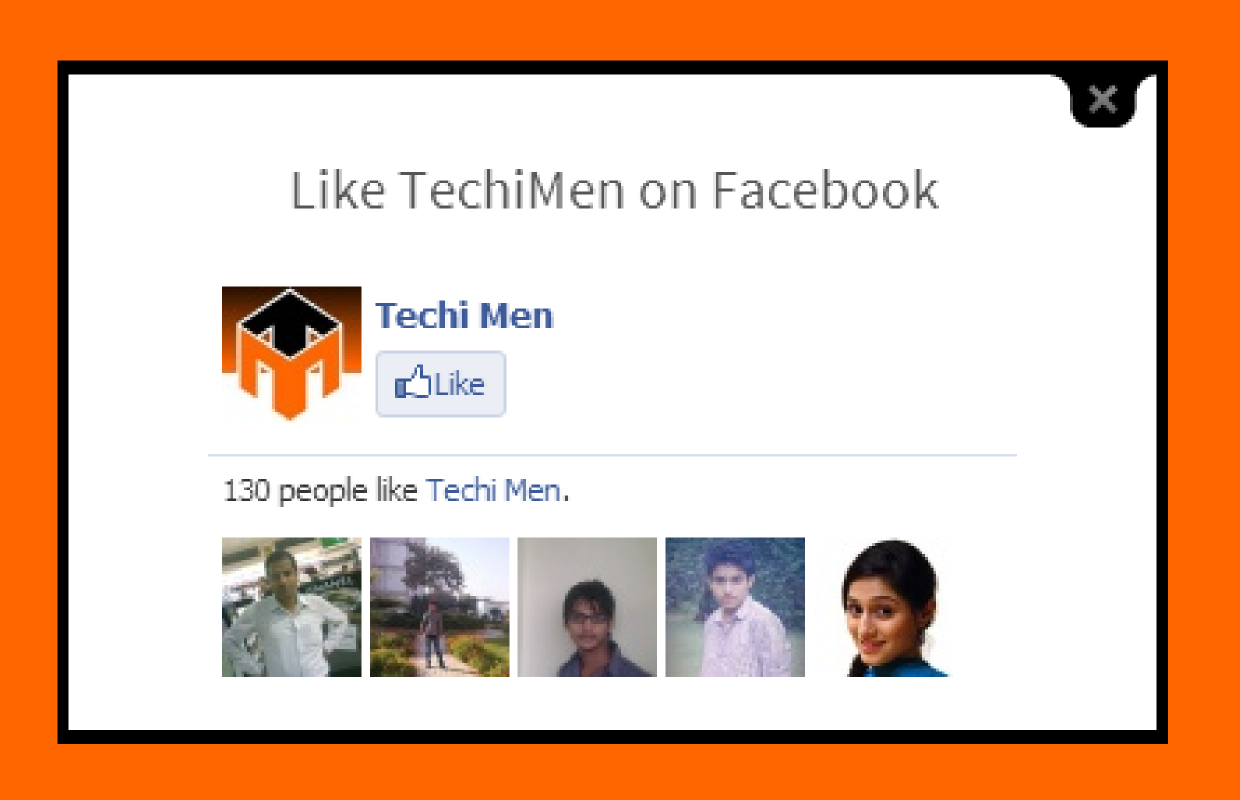
Facebook likebox in lightbox for new visitor

How to open Facebook likebox in lightbox
What if you ask your first time visitor on your website to like your Facebook page, about 90% people will exit and about 10% people will like your page. Your Facebook page's likes is the status of your page on Facebook. Isn't it? Yes it is this widget will help you little to increase likes. Even we used this for sometime to increase our likes on TechiMen but we later removed it for no reason. This widget help you make your blog more professional and good looking and the increase in your Facebook likes. The best thing is that this widget only ask to like those visitors who visit the blog or website for the first time. If somebody clicks anywhere except on likebox, the likebox lightbox disappears. The pop-up likebox also disappears when the page is refreshed/reloaded or F5 is pressed.

So let us come to the point 'how to install it on your Blogger blog?':
Steps:
1. Go to Blogger then to your blog
2. Now go to layout from dashboard.
3. If you already have HTML/JavaScript
OR
Click on Add Widget in any section "Sidebar or Footer" and select HTML/JavaScript
4. Now copy the script below (after changing 'TechiMen' with your Facebook page username or page id) and paste in the HTML/JavaScript widget


5. Now click on 'Save'.

Now the widget will work when somebody visits your blog or website first time or deletes its cache/cookies and browser history. I hope it works for you.

Social sharing buttons floating bar

Share posts on Facebook, Twitter, Google+, LinkedIn, Pinterest and to many other sites.

This widget will the option for your visitors to share your posts on their social network. The widget has button for all popular social bookmarking websites. The widget is floating sidebar with the buttons of Facebook, Twitter, Google+, LinkedIN, Pinterest, StumbleUpon and Reddit by default. You can also add Technorati by adding 'technorati' in script. See the post 'How social bookmarking can help you?'

Follow the below steps to install the widget:
1. Login your Blogger account and go to your blog.
2, Now go to the 'Layout' from dashboard.
3. Open any HTML/Javascript widget if you have already added some
OR if you don't have added any HTML/JavaScript widget
Add a gadget/widget in the sidebar.

4. And chose HTML/JavaScript
5. Now copy the following code:

6. Paste the code in the HTML?JavaScript widget and click save
7. Everything is done and you can now easily share your post to all the networks and your visitors can also share the posts.

 You can preview the widget in action by clicking on the below button:

Flying Twitter bird on your Blogger blog

Want to make your blog readers wonder when they see a Twitter bird flying on your blog. Actually this Twitter bird flies when someone scroll your page down. It sits anywhere on your page. When you hover the bird with mouse you have two options: 'tweet this' and 'follow me'. The Twitter bird make your readers to easily follow you or share your post on Twitter in a creative and lovely way. So why are you waiting just follow the below steps and you will be able to put the Twitter bird on your blog.


Steps:
1. Go to Blogger, Sign in and go to your blog.
2. Go to 'Template' from dashboard
3. Click on 'Edit HTML'
4. Find </body> in the HTML (You can do this by pressing Ctrl+F and typing </body>)
5. Now copy the code below from here and paste the code just above </body> in your template's HTML
6. Replace TechiMen with your Twitter username.
7. Now click on 'Save'. (NOTE: If the HTML is not being saved. Then make the code friendly by using 'Postable Service'. You can post the code there and click 'make it friendly'. Then copy the code from there and use. Now the HTML will be saved)


HOME      CONTACT      ABOUT      SUBMIT


Blog by Dev Baisoya | Proudly powered and hosted by Blogger