Showing posts with label Website Designing. Show all posts

Metro Classic Template for Blogger

free premium template, template for blogger, metro template
rating, metro template for blogger

Name of Blogger Template: Metro Classic Template
For: Gadgets, Technology, Geeks, Girls, Personal Blog, Product blog or website.
By: Templateism
Published: May, 2013


Description: The template has good and different colors. Colors are suitable for eyes and produces freshness. The publisher got the great idea of page menu and links at left side. Your sidebar will be on left side. At the top you will have announcement line announce what you want to announce from your blog or website. A great effect is seen when you hover over the page menu at left. The page menu has metro theme picture with the caption of pages. The template is compatible with all updated browsers We tested the template on Google Chrome, Internet Explorer, and Apple's Safari. Below announcement there is 'featured posts area' which can be customized by editing HTML of your template. The template is responsive that is when your browser's size is re-sized or on the smaller or bigger screens, the template adjusts the content of your blog to make it look perfect and the viewer don't have to scroll horizontally. However there are some cons of this template, which are, featured posts widget does not add the post automatically and you should have time and knowledge to edit the template's HTML. 

Points to remember: In this template you can post image with any size but the width of images should be more than 700 pixels for no pixels blurring.

How to setup: There are no special widgets that you will have to setup and you can enjoy the template by just installing on blogger
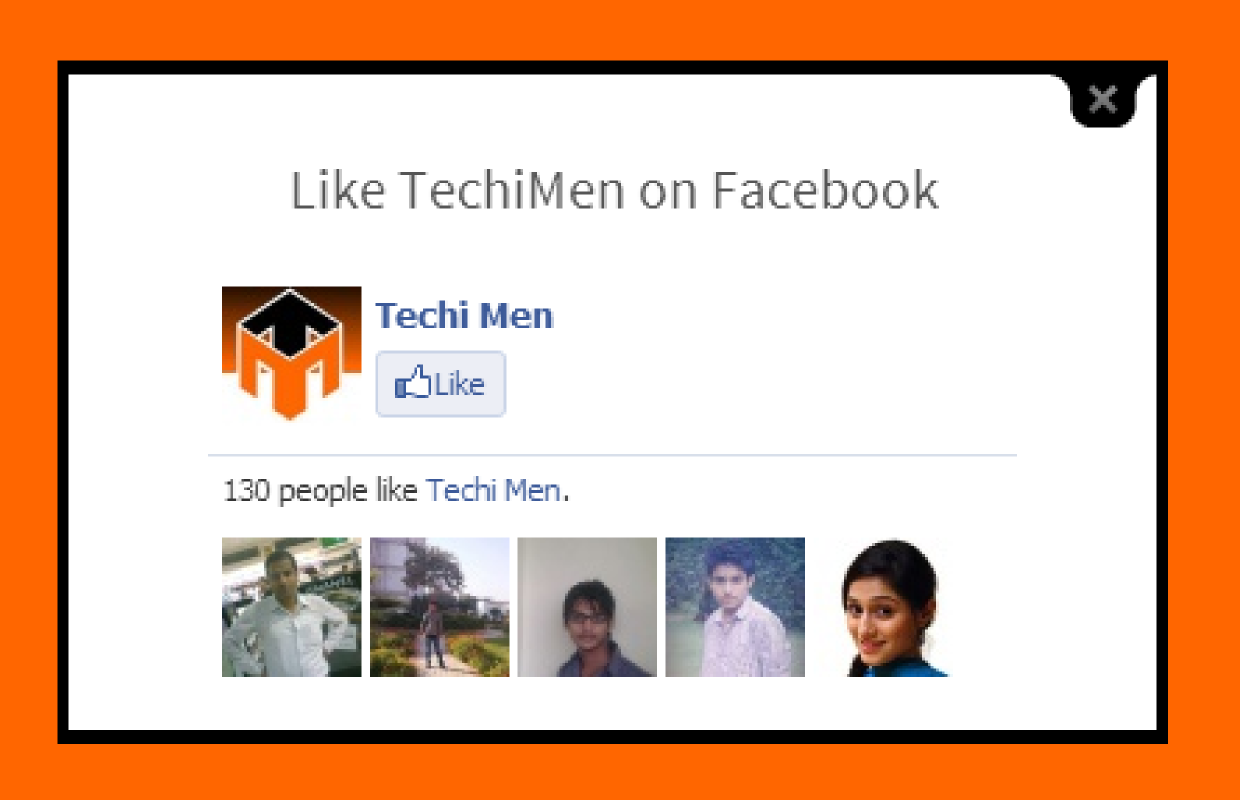
Facebook likebox in lightbox for new visitor

How to open Facebook likebox in lightbox
What if you ask your first time visitor on your website to like your Facebook page, about 90% people will exit and about 10% people will like your page. Your Facebook page's likes is the status of your page on Facebook. Isn't it? Yes it is this widget will help you little to increase likes. Even we used this for sometime to increase our likes on TechiMen but we later removed it for no reason. This widget help you make your blog more professional and good looking and the increase in your Facebook likes. The best thing is that this widget only ask to like those visitors who visit the blog or website for the first time. If somebody clicks anywhere except on likebox, the likebox lightbox disappears. The pop-up likebox also disappears when the page is refreshed/reloaded or F5 is pressed.

So let us come to the point 'how to install it on your Blogger blog?':
Steps:
1. Go to Blogger then to your blog
2. Now go to layout from dashboard.
3. If you already have HTML/JavaScript
OR
Click on Add Widget in any section "Sidebar or Footer" and select HTML/JavaScript
4. Now copy the script below (after changing 'TechiMen' with your Facebook page username or page id) and paste in the HTML/JavaScript widget


5. Now click on 'Save'.

Now the widget will work when somebody visits your blog or website first time or deletes its cache/cookies and browser history. I hope it works for you.

How to install a template on Blogger?

How to install a template on blogger downloaded from a website other than blogger
Are you bored with Blogger's own default template or theme and want to install an awesome template for your Blogger's blog. Actually Blogger support third-party templates to be installed on your Blogger's blog beside the Blogger's own default templates.  For example, TechiMen is also powered by Blogger but we don't use Blogger's Template. So you can also use any template you want to install on your blog.
There was a time when people said that there are not good templates for Blogger's blog like Wordpress have. But now these are only excuses. Actually these people are lazy because they are not updating their Blogger Template with an awesome looking template from free template providing websites like bTemplates, Templateism, etc. (see the full list of such websites -under updation)
So follow the following steps, and you will be able to install the template you want to.

Steps:
1. Download a Blogger template from a template providing website like bTemplates, Templateism, etc.
2. Now find the .xml file you downloaded. If you you have downloaded a zip file then extract that and find the .xml file.
3. Go to Blogger, login and go to your blog
4. Now click on 'Template' from dashboard.

5. Then click on 'Backup/Restore'
6. Now click on 'Choose File'
7. Now select the .xml file from your computer.
8. Click on 'Upload'
9. Done. Now you can customize your template by clicking on 'Edit HTML'

Flying Twitter bird on your Blogger blog

Want to make your blog readers wonder when they see a Twitter bird flying on your blog. Actually this Twitter bird flies when someone scroll your page down. It sits anywhere on your page. When you hover the bird with mouse you have two options: 'tweet this' and 'follow me'. The Twitter bird make your readers to easily follow you or share your post on Twitter in a creative and lovely way. So why are you waiting just follow the below steps and you will be able to put the Twitter bird on your blog.


Steps:
1. Go to Blogger, Sign in and go to your blog.
2. Go to 'Template' from dashboard
3. Click on 'Edit HTML'
4. Find </body> in the HTML (You can do this by pressing Ctrl+F and typing </body>)
5. Now copy the code below from here and paste the code just above </body> in your template's HTML
6. Replace TechiMen with your Twitter username.
7. Now click on 'Save'. (NOTE: If the HTML is not being saved. Then make the code friendly by using 'Postable Service'. You can post the code there and click 'make it friendly'. Then copy the code from there and use. Now the HTML will be saved)

Stop copying content from your blog or website

Want to stop people copying content or text from your blog or website.
This is the easiest way to stop people from copying your content.
Tired of copycat bloggers, who copy your content and post your content on their blog. Then we have solution for you and this is really easy to do.
Today we have a trick to beat the copycat people who steal your content and increase their traffic and you got nothing for your creativity. Isn't it irritating? Yes it is. Because I feel this myself when I search my post on Google and that takes me to a blog which has exactly same content that I have posted on TechiMen.
Let us come to the topic that 'How to stop people from copying text or content?'
Steps:
1. Copy the following code


2. Now paste this in HTML of your website
3. Done. Now the code should work.

For Blogger Users:
Steps:
1. Log in your Blogger account
2. Go to your Blog's dashboard
3. Go to 'Layout'
4. Now create new widget and select 'HTML/JavaScript' or select any of your existing 'HTML/JavaScript' widget (Example Facebook Likebox).
5. Now paste the above code there. Save the widget
6. Done. It will work absolutely.

If you have more ideas about blocking the content copying then comment.

How to refresh a page of my website using HTML?


You will need this feature due to the following reasongs:
1. Your website is upadated every second
2. Your website page provide live sport score
3. For your personal reason

To make your page refresh automatically in 15 seconds (You can change it by changing content's value) , just copy and paste this HTML code in your webpage's HTML:

<META HTTP-EQUIV="REFRESH" CONTENT="15">


HOME      CONTACT      ABOUT      SUBMIT


Blog by Dev Baisoya | Proudly powered and hosted by Blogger